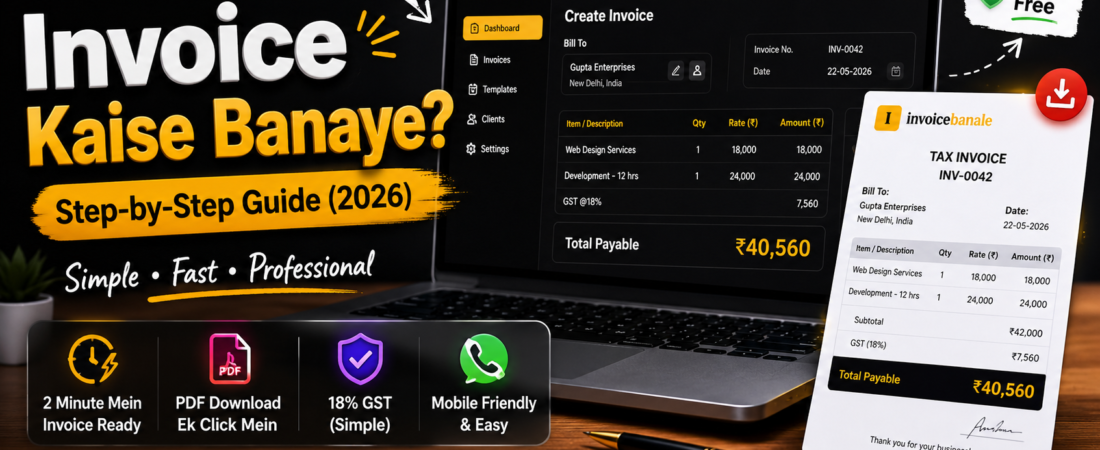
Invoice Kaise Banaye? Step-by-Step Guide For Beginners (2026)
Invoice kaise banaye? Is detailed guide mein sikhiye simple billing, 18% GST invoice, PDF invoice aur InvoiceBanale.com ka use.
Invoice Kaise Banaye? Step-by-Step Guide
Aaj ke digital time mein almost har business online ho raha hai. Chahe aap freelancer ho, designer ho, YouTuber ho, shop owner ho ya small business chalate ho — professional invoice banana bahut important ho gaya hai. Pehle log manually bill book use karte the ya Excel mein complicated invoice banate the, lekin ab mobile se hi professional invoice create kiya ja sakta hai.
Bahut saare beginners ko lagta hai ki invoice banana difficult process hota hai aur uske liye accounting knowledge hona zaruri hai. Reality mein aisa nahi hai. Agar aap simple billing karna chahte ho aur sirf GST add karke professional invoice generate karna chahte ho, toh aap easily online tools ki help se invoice bana sakte ho.
Is article mein hum detail mein samjhenge:
- Invoice kya hota hai
- Mobile se invoice kaise banaye
- Simple 18% GST billing kaise kare
- PDF invoice kaise download kare
- Professional invoice kaise dikhe
- Small business aur freelancers ke liye billing tips
Agar aap beginner ho aur easy invoice generator dhoond rahe ho, toh InvoiceBanale.com ek simple aur clean option ho sakta hai.
Invoice Kya Hota Hai?
Invoice ek professional billing document hota hai jo seller customer ko payment request ke liye bhejta hai. Simple language mein bole toh invoice ek official bill hota hai jisme product ya service ki details mention hoti hain.
Invoice mein normally ye details hoti hain:
- Business name
- Customer details
- Invoice number
- Product ya service information
- Price
- GST percentage
- Total amount
- Payment details
Agar aap proper invoice use karte ho toh aapka business zyada professional lagta hai aur clients bhi aapko serious business owner ke tarah treat karte hain.
Professional Invoice Important Kyu Hai?
Aaj ke modern business environment mein professional invoice sirf ek payment document nahi hota, balki aapke business ki image ka important part hota hai. Jab aap kisi client ko clean aur properly formatted invoice bhejte ho, toh usse aapki professionalism directly reflect hoti hai. Bahut saare freelancers aur small business owners starting mein normal WhatsApp messages ya handwritten bills use karte hain, lekin jaise-jaise clients aur projects increase hote hain, proper invoice system maintain karna bahut important ho jata hai. Professional invoice se client ko clearly samajh aata hai ki kis service ke liye payment dena hai, kitna amount hai, GST kitna add hua hai aur final payable amount kya hai.
Agar aap organized invoice system use karte ho toh payment delays bhi kaafi kam ho jate hain. Clients generally un businesses par zyada trust karte hain jo proper documentation maintain karte hain. Iske alawa future accounting, payment tracking aur monthly income records maintain karna bhi easy ho jata hai. Aajkal digital businesses aur freelancers ke liye professional billing ek basic requirement ban chuki hai. Isliye simple aur easy invoice generation process business growth mein directly help karta hai.
Better Professional Impression
Jab aap client ko proper PDF invoice bhejte ho toh trust build hota hai. Client ko lagta hai ki aap organized aur professional ho.
Faster Payments
Clear invoice hone se customer ko amount samajhne mein easy hota hai. Isse payment delay kam hota hai.
Easy Record Keeping
Aap future mein invoices easily track kar sakte ho. Income aur billing history maintain karna easy ho jata hai.
Mobile Friendly Business
Aajkal sab log mobile use karte hain. Isliye mobile-friendly invoice system business ko fast aur modern banata hai.
Mobile Se Invoice Banane Ka Sabse Easy Tarika
Agar aap complicated software avoid karna chahte ho toh simple online invoice generator use karna best option hota hai.
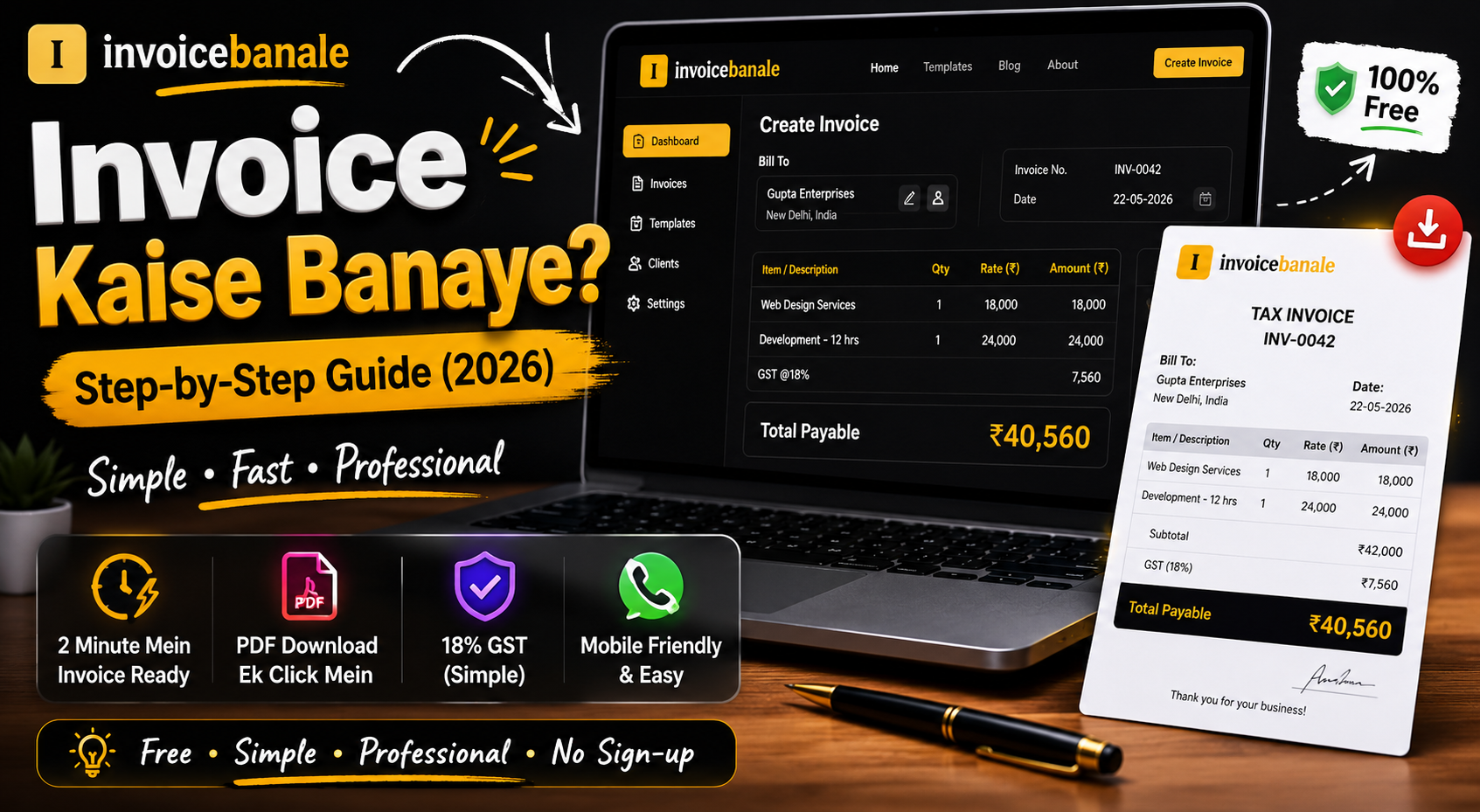
👉 InvoiceBanale.com
InvoiceBanale.com ek beginner-friendly online invoice generator hai jo simple billing ke liye useful hai. Is tool ka interface clean aur easy-to-use hai jisse even beginners bhi quickly invoice generate kar sakte hain.
Yahan aap:
- Client details add kar sakte ho
- Product ya service list bana sakte ho
- GST add kar sakte ho
- Professional invoice PDF download kar sakte ho
- Mobile se directly invoice create kar sakte ho
Sabse achhi baat ye hai ki tool simple design follow karta hai. Aapko complicated accounting options ya confusing settings dekhne ko nahi milti.
Step-by-Step Invoice Kaise Banaye
Step 1: Business Information Add Kare
Sabse pehle apna business ya personal details add kare.
Example:
Business Name: Aman Digital Studio
Phone Number: +91 9876543210
Address: Indore, India
Agar aap freelancer ho toh aap apna personal name bhi use kar sakte ho.
Step 2: Customer Details Add Kare
Ab client ya customer information enter kare.
Example:
Customer Name: Rahul Sharma
Business Name: Sharma Media
Ye invoice ko professional look deta hai.
Step 3: Invoice Number Create Kare
Har invoice ka unique invoice number hona important hota hai.
Example:
INV-2026-001
Ye future tracking aur record keeping mein help karta hai.
Step 4: Product Ya Service Details Add Kare
Ab jo product ya service provide ki hai uski information add kare.
Example:
| Service | Quantity | Price |
|---|---|---|
| Logo Design | 1 | ₹5,000 |
| Social Media Design | 1 | ₹3,000 |
Step 5: GST Add Kare
Agar aap simple GST billing karte ho toh invoice amount par direct 18% GST add kar sakte ho.
Example:
Subtotal: ₹8,000
GST (18%): ₹1,440
Final Amount: ₹9,440
Simple billing format beginners aur small businesses ke liye kaafi useful hota hai.
Step 6: Payment Details Mention Kare
Client ko payment kaise karna hai wo clearly mention kare.
Example:
UPI: aman@upi
Bank: HDFC Bank
Clear payment details hone se payment receive karna easy ho jata hai.
Step 7: PDF Invoice Download Kare
Invoice ready hone ke baad usko PDF format mein download kare aur client ko send kare.
PDF invoice zyada professional lagta hai aur easily share kiya ja sakta hai.
Simple Invoice Professional Kaise Dikhe?
Agar aap invoice ko clean aur premium look dena chahte ho toh kuch important cheezein follow karni chahiye.
Clean Layout Use Kare
Simple fonts aur proper spacing invoice ko professional banati hai.
Business Logo Add Kare
Logo se branding improve hoti hai aur invoice attractive lagta hai.
Proper Amount Formatting
Prices clearly mention kare taaki customer confuse na ho.
Thank You Message Add Kare
Example:
Thank you for your business.
Ye small detail client experience improve karti hai.
Small Businesses Ke Liye Billing Tips
Agar aap shop owner ya small business run karte ho toh billing process organized rakhna bahut important hota hai.
Invoice Copies Save Kare
Har invoice ka PDF backup maintain kare.
Same Invoice Format Use Kare
Consistent design business branding improve karta hai.
Payment Follow-Up Kare
Invoice bhejne ke baad polite reminder send karna useful hota hai.
Mobile Friendly Tools Use Kare
Aise tools use kare jo mobile par smoothly work kare.
Freelancers Ke Liye Invoice Tips
Freelancers ke liye professional invoice bahut important hota hai kyunki client trust directly billing process par depend karta hai.
Agar aap:
- graphic designer ho
- video editor ho
- web developer ho
- content writer ho
- social media manager ho
toh proper invoice use karna aapki professional image improve karta hai.
Client ko invoice bhejte time:
- due date mention kare
- payment details clear rakhe
- service description simple rakhe
Ye sab payment process ko smooth banata hai.
Common Invoice Mistakes Jo Avoid Karni Chahiye
Wrong Amount Calculation
Calculation mistakes client confusion create kar sakti hain.
Invoice Number Skip Karna
Tracking difficult ho jati hai.
Payment Details Na Add Karna
Client ko payment karne mein issue ho sakta hai.
Overcomplicated Design
Simple invoice zyada professional lagta hai.
Mobile Optimization Ignore Karna
Aajkal maximum users mobile use karte hain.
Online Invoice Generator Better Kyu Hai?
Traditional billing methods jaise:
- manual bill book
- Excel sheets
- handwritten bills
ab outdated ho rahe hain.
Online invoice generators faster aur easier solution provide karte hain.
Benefits:
✅ Time saving
✅ Professional format
✅ Mobile support
✅ PDF export
✅ Easy billing process
✅ Better customer experience
InvoiceBanale.com Kyu Use Kare?
Internet par bahut saare invoice generators available hain, lekin beginners aur small business owners ke liye simple aur lightweight tools find karna difficult hota hai. Kaafi software unnecessary complicated features dete hain jisse new users confuse ho jate hain. InvoiceBanale.com ka main focus simplicity aur fast billing experience par hai. Agar aap freelancer ho, designer ho, agency run karte ho ya local business owner ho, toh aapko ek aisa tool chahiye hota hai jo quickly invoice generate kar sake bina complicated setup ke.
InvoiceBanale.com ka interface clean aur mobile-friendly hai jisse users directly mobile se invoice create kar sakte hain. Aapko extra accounting knowledge ki zarurat nahi hoti aur simple workflow ki wajah se invoice generate karna beginners ke liye bhi easy ho jata hai. Bahut saare small businesses sirf simple 18% GST billing karna chahte hain aur unhe complicated CGST/SGST systems ki zarurat nahi hoti. Isi reason ki wajah se lightweight invoice generators kaafi popular ho rahe hain.
Agar aap fast PDF invoice create karna chahte ho, client details add karna chahte ho aur professional billing maintain karna chahte ho toh InvoiceBanale.com ek practical solution ho sakta hai. Simple design aur easy workflow ki wajah se business owners apna time save kar sakte hain aur billing process ko organized bana sakte hain.
Features:
- Simple user interface
- Fast invoice generation
- Mobile-friendly design
- PDF download support
- Easy GST billing
- Beginner-friendly workflow
- Clean invoice layout
Chahe aap freelancer ho ya local business owner — simple billing process business ko organized banata hai.
Conclusion
Professional invoice banana aaj ke digital business world mein bahut important hai. Chahe aap small business run karte ho ya freelancing karte ho — proper invoice system aapki professional image improve karta hai.
Agar aap simple aur easy billing solution chahte ho toh mobile-friendly invoice generator use karna best option hai.
InvoiceBanale.com jaise simple tools ki help se aap:
- professional invoice bana sakte ho
- PDF download kar sakte ho
- GST add kar sakte ho
- client billing easy bana sakte ho
Aur sabse important baat — beginners bhi easily use kar sakte hain.
FAQ Section
Mobile se invoice bana sakte hai?
Haan, online invoice generators ki help se mobile se invoice banana bahut easy ho gaya hai.
Kya simple GST add kar sakte hai?
Haan, small businesses aur freelancers simple GST percentage add karke invoice generate kar sakte hain.
PDF invoice kyu important hota hai?
PDF invoice professional lagta hai aur easily share kiya ja sakta hai.
Beginners ke liye kaunsa invoice tool best hai?
InvoiceBanale.com beginners aur small businesses ke liye simple aur easy-to-use invoice generator hai.
Final CTA
Ready To Create Professional Invoices?
👉 Visit InvoiceBanale.com and create your first simple invoice in minutes.