Let me tell you something embarrassing.
For the first two years of freelancing, I used a Word document to create my invoices. Not even a good one — it was a template I found on some random blog, with a blue header and a table that would completely break the moment I added a new line item. Every single month, I’d spend 20 minutes fighting with the formatting, manually calculating the tax, and hoping the PDF export didn’t cut off the last row.
That was my invoicing process. A developer building software for clients, using a broken Word file to send invoices.
I eventually got tired of it and built InvoiceBanale — a free GST invoice generator for Indian freelancers. But before I get into that, let me answer the actual question: what is an online invoice generator, and do you actually need one?
## So What Exactly Is an Online Invoice Generator?
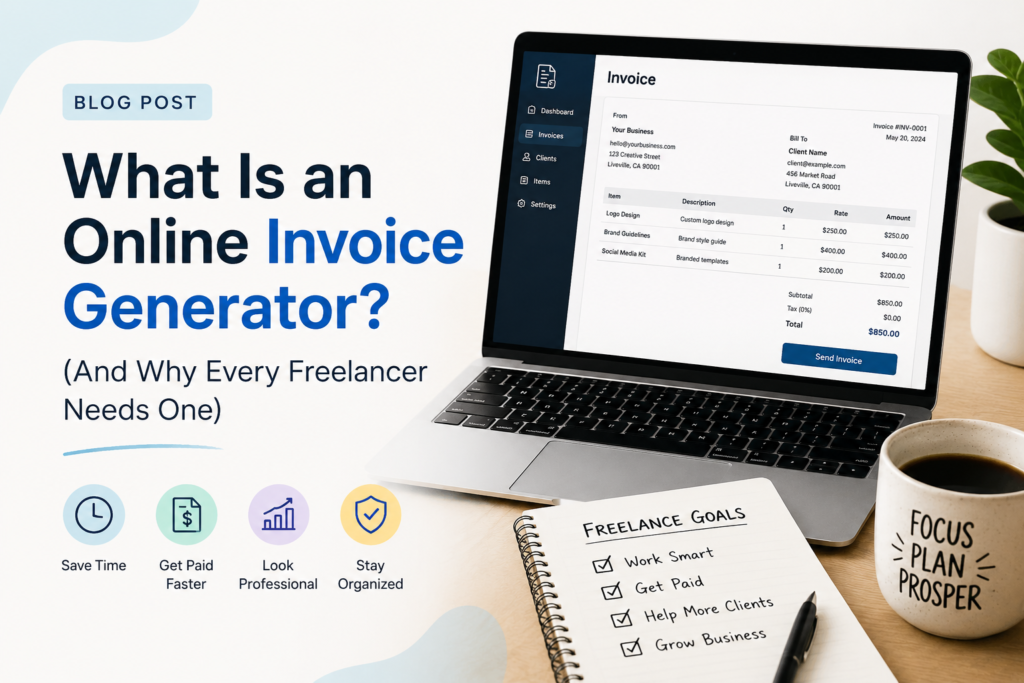
Simple version: it’s a tool that lives in your browser. You open it, fill in your name, your client’s name, what work you did, and how much you’re charging. The tool does the rest — it puts everything into a professional layout and lets you download a clean PDF.
No installation. No spreadsheet formulas. No design work on your part.
The better tools go a step further. For Indian freelancers specifically, a good invoice generator handles GST automatically. It knows to split the tax into CGST and SGST when your client is in the same state as you, and applies IGST when they’re in a different state. It saves your invoice history so you don’t have to re-enter your details every time.
That’s the core idea. Open browser, fill details, download PDF, send to client. Done in under 2 minutes.
## Why Word and Excel Don’t Cut It Anymore
I know because I lived it — but let me lay it out clearly.
Word templates are built for documents, not invoices. The moment you add an extra line item or change a service description, the table shifts, the spacing goes off, and suddenly your total is floating somewhere in the middle of the page. You spend more time fixing the format than actually billing your client.
Excel is better at the maths, but the print output is a disaster. Columns that look fine on screen get cut off when you export to PDF. And neither Word nor Excel has any idea what GST is, which means you’re doing that calculation manually and hoping you’re using the right rate.
| Method | The Real Problem |
|—|—|
| Word template | Breaks every time you change something |
| Excel spreadsheet | Maths is fine, PDF output is not |
| Google Docs | No GST support, not built for invoicing |
| Online invoice generator | Purpose-built, auto GST, consistent PDF every time |
The difference is that an invoice generator is designed specifically for this one job. Everything is where it’s supposed to be. The numbers add up automatically. The PDF looks the same whether you’re on your laptop in Indore or your phone on a train.
## What a Good Invoice Generator Should Actually Have
Not all of them are worth using. Here’s what matters:
**Indian GST support.** This is non-negotiable. The tool should handle CGST + SGST for clients in your state and IGST for clients in other states. If it doesn’t do this automatically, it’s just a fancy form.
**A proper PDF download.** Not a screenshot. Not a “view online” link. A clean PDF file that your client can save, forward to their accounts team, and print if needed.
**No forced account creation.** You should be able to open the tool and create your first invoice immediately — without giving your email address, setting a password, or going through an onboarding flow. You have an invoice to send. You shouldn’t need to sign up first.
**Templates that look professional.** Your invoice goes out with your name on it. It represents your business. A tool with even a few clean, professional templates is worth more than one with hundreds of ugly ones.
## Is a Free Tool Actually Good Enough?
Honestly, for most freelancers — yes.
Think about what you actually need: a professional-looking invoice with the right GST amounts, your bank details, and a clean PDF the client can pay from. That’s it. You don’t need a subscription, a dashboard, or 47 reporting features for that.
I built InvoiceBanale specifically because every free tool I found either didn’t support Indian GST correctly, produced terrible PDFs, or put a watermark on everything and called it “free.” None of them understood what an Indian freelancer actually needs.
InvoiceBanale is free — no trial, no upgrade required, no watermarks. It handles CGST, SGST, IGST, and UTGST. It saves your last 50 invoices in your browser. It has 6 templates. And it works on your phone.
[→ Try InvoiceBanale — open and start invoicing immediately]
## Who Actually Needs This?
If you send invoices to clients in India — or anywhere — an online invoice generator will make your life simpler. But it’s especially useful if you’re:
A **new freelancer** creating your first few invoices and not sure where to start. An online generator handles the format and the GST math so you can focus on actually getting paid.
A **registered GST taxpayer** who needs to split taxes correctly on every invoice. Getting this wrong on even one invoice causes problems for your client’s ITC claim.
A **developer, designer, writer, or consultant** billing 5–15 clients a month. You don’t need accounting software. You need a fast, reliable way to create professional invoices.
Someone **billing international clients**. Services exported outside India attract 0% GST. A good invoice generator lets you create a zero-rated invoice with the right fields without any manual workarounds.
If you’re running a business with 10 employees and 200 invoices a month, you probably need proper accounting software. But until that point — and honestly, well past it — a free online tool is the right answer.
## Frequently Asked Questions
**Is it safe to enter my client details in an online invoice tool?**
That depends on the tool. InvoiceBanale stores everything in your browser’s localStorage — meaning the data never leaves your device. Nothing is uploaded to any server. If you clear your browser data, the history clears too. For tools that do store data on a server, check their privacy policy before entering sensitive client information.
**Can I use this on my phone?**
Yes — InvoiceBanale is fully mobile-responsive. I actually tested it on my own Android and iPhone before launch. You can fill in all the details and download the PDF directly from Chrome or Safari on your phone without any issues.
**What if I’m not registered for GST?**
No problem at all. If you’re below the ₹20 lakh threshold and haven’t registered, just leave the GSTIN field blank. Invoichttps://invoicebanale.com/#invoice-wizardeBanale will generate an invoice without any GST fields — completely valid for unregistered freelancers. The document title changes to “Invoice” instead of “Tax Invoice” automatically.
**What format does the downloaded invoice come in?**
PDF, always. It’s the standard for a reason — looks identical on every device, can’t be accidentally edited, and is what your client’s accounts team expects to receive.
—
The bottom line is simple: if you’re still making invoices in Word or Excel, you’re spending more time than you need to on something that should take under 2 minutes. An online invoice generator handles the format, the maths, and the PDF — so you can focus on the work that actually pays.
[→ Create your first GST invoice free at InvoiceBanale]
*Last updated: [03-07-2026]*
*Note: This post covers the basics of online invoice generation. For tax registration or GST compliance advice, please consult a qualified CA.*